

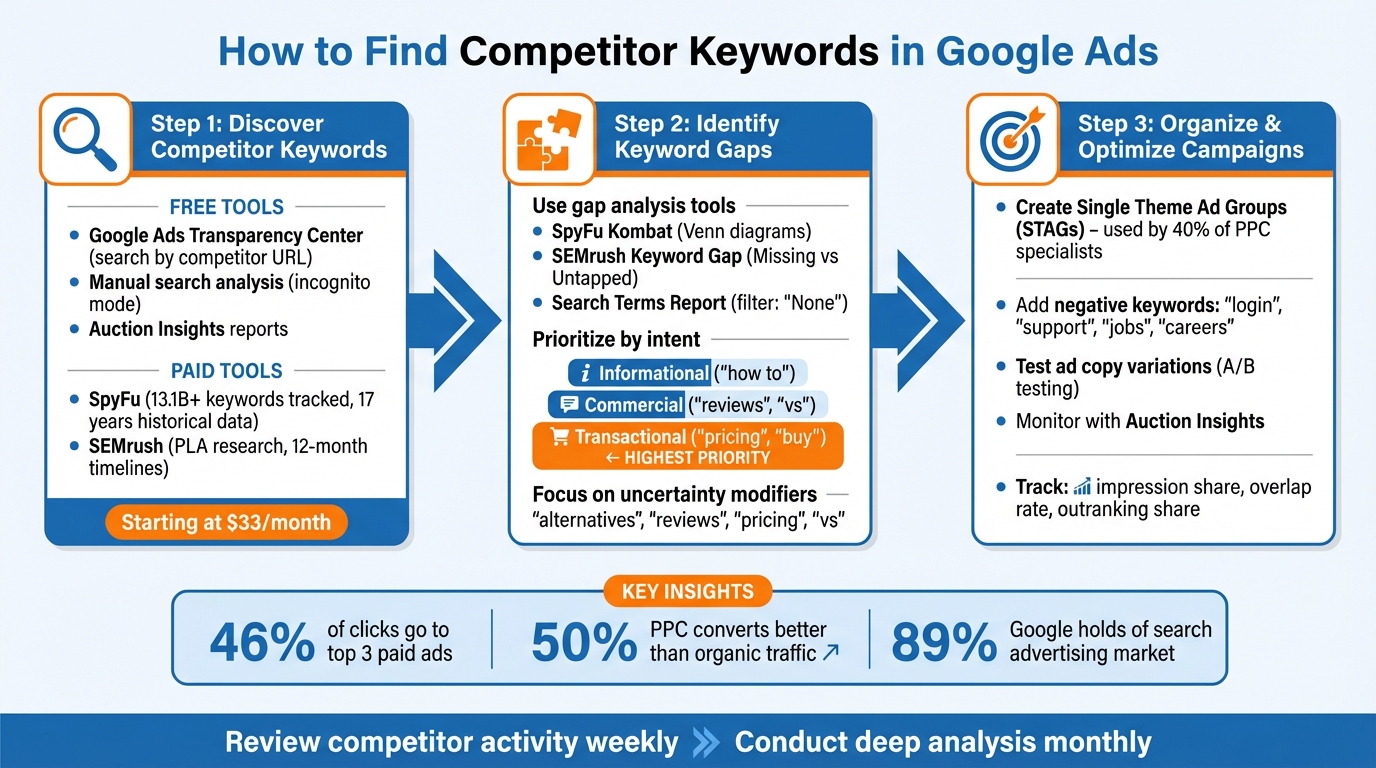
Figuring out exactly which keywords your competitors are bidding on in Google Ads used to be a guessing game. It is not anymore. Between the Google Keyword Planner, the Google Ads Transparency Center, a Chrome screen capture extension, and an AI tool like Claude, you can reverse engineer almost any competitor's keyword list for free. This post walks through the exact process I use to pull competitor keywords, using SiteOne Landscape Supply as a running example. I will also cover where paid tools like SpyFu and SEMrush fit in if you want to skip the manual work.
What You Will Find in This Guide
- Why Competitor Keyword Research Actually Works
- Video Walkthrough
- Step 1: Run Your Competitor Through the Keyword Planner
- Step 2: Pull Every Active Ad From the Transparency Center
- Step 3: Use Claude to Reverse Engineer the Keyword List
- Step 4: Layer in SpyFu or SEMrush for Paid Data
- Step 5: Study Their Ads and Landing Pages
- Turning the Keyword List Into Ad Groups
- When This Strategy Actually Works
- Final Thoughts
1Why Competitor Keyword Research Actually Works
If a competitor has been advertising on a keyword for six or twelve months, you can assume it is profitable for them. Companies do not keep paying for clicks that lose money. That means reverse engineering their keyword list lets you skip a lot of the testing phase and start with terms that already convert in your industry.
The other reason this works is structural. Google's Quality Score rewards relevance, so competitors are forced to put their target keywords directly into their ad headlines. When you scroll through a competitor's active ads in the Google Ads Transparency Center, the headlines tell you exactly what they are bidding on. You just have to read them.
The process I am about to walk through layers three free data sources together. Each one fills in gaps the others miss. By the end you will have a focused list of keywords and ad groups you can build out for your own campaigns.
Question to Answer:
Do you actually know which keywords your top competitors are bidding on right now, or are you guessing based on what you think the market wants?
2Video Walkthrough
I recorded a full walkthrough of this process on the Surfside PPC YouTube channel using SiteOne Landscape Supply as the example competitor. If you would rather see this in action with real exports and real ads, watch the video below.
3Step 1: Run Your Competitor Through the Keyword Planner
The first step is the easiest. Open your Google Ads account, go to Tools, then Planning, then Keyword Planner. Choose "Start with a website" and paste in your competitor's URL. Make sure you select "Use the entire site" so you get the full picture.
For SiteOne the Keyword Planner returns about 2,169 keywords. That is what Google considers the most relevant terms for the domain. It is not the same as the keywords they are bidding on, but it is a useful baseline because it includes everything Google associates with their site.
Export this list as a CSV file or send it to Google Sheets. Do not try to organize 2,000 keywords by hand. You are going to feed this list into Claude later and let AI break it into themes that match the services you actually offer.
- Open Keyword Planner. Tools then Planning then Keyword Planner inside your Google Ads account.
- Choose "Start with a website." Paste the competitor URL and select "Use the entire site."
- Export the results. Download as a CSV or open in Google Sheets. Save the file. You will use it in step three.
You can also run a seed keyword in the same tool to widen the net. For SiteOne I added "landscape supply" and pulled another 972 keyword ideas. The overlap with the website export tells you what categories are actually core to their business versus tangential.
4Step 2: Pull Every Active Ad From the Transparency Center
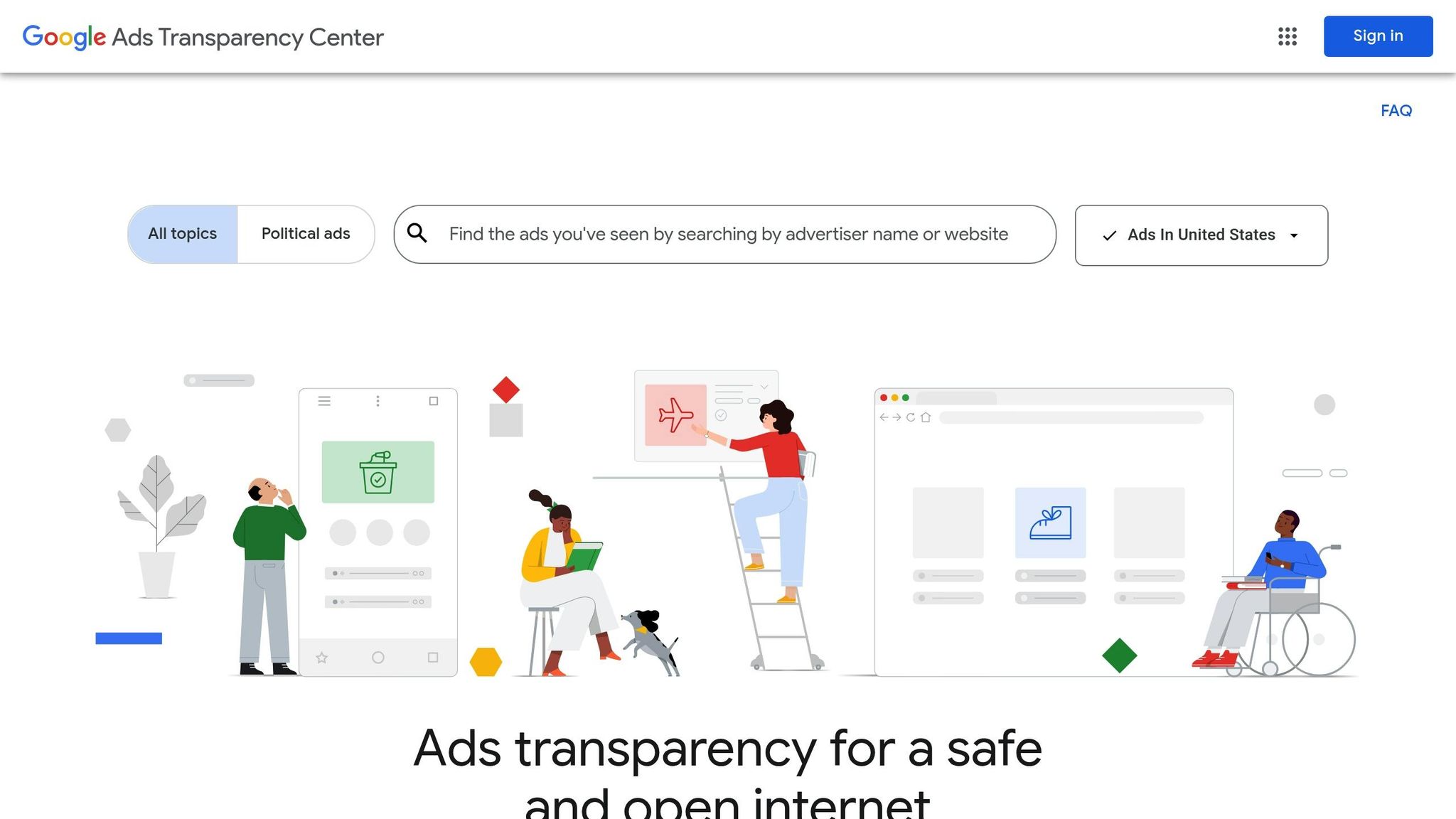
This is where the real information lives. The Google Ads Transparency Center shows every active ad a verified advertiser is currently running. Search for your competitor by name or by URL.
"The Google Ads Transparency Center is a treasure trove of information regarding ads in your industry." Jyll Saskin Gales, Google Ads Coach
For SiteOne I find around 274 active ads. Filter by the last 30 days if you want to focus on what they are actively spending on right now. Scroll all the way to the bottom of the page to load every ad. The page loads more results as you scroll.
Once you have all the ads loaded, you have a choice. You can go through them one by one and write down the products and services that show up in the headlines. Or you can use the "Go Full Page" Chrome extension to take a single screen capture of the entire page. The full page screenshot is what you want because it lets you feed every ad into Claude at once.
If you screenshot the page and Claude tells you the image is too large, just take two or three screenshots in chunks and upload them together. The goal is to get every active headline in front of the model.
Question to Answer:
How many of your competitor's active ads have you actually read, and what specific products or services keep showing up in their headlines?
5Step 3: Use Claude to Reverse Engineer the Keyword List
Now you have three things. The competitor's relevant keyword list from the Keyword Planner. A screenshot of every ad they are running. And the actual product or service pages from their website. Upload all of it into Claude and tell the model what you are trying to do.
Here is roughly how I phrase the prompt:
"I am trying to determine my competitor's Google Ads keywords. I am doing this by finding their relevant keyword export, their active ads, and their service pages. I want to focus on landscape supply keywords specifically and ignore the unrelated categories like lighting or irrigation. Give me a focused list of the keywords they are likely bidding on, broken into ad group themes."
The more focused you make the prompt, the more useful the output. SiteOne sells a huge range of products. If I dump everything in without telling Claude to focus on a specific category, I get a list that is too broad to use. When I tell it to ignore everything except landscape supply, I get a clean output organized by mulch, gravel, sand, soil, pavers, and stone.
Claude will give you a table with the ad group themes, the focus keywords, the relevant ad headlines, and the things it chose to ignore. That last column matters. It tells you what the model decided was not relevant so you can sanity check whether it agrees with your own understanding of the business.
6Step 4: Layer in SpyFu or SEMrush for Paid Data
If you have $40 a month to spend, SpyFu is worth it. A SpyFu subscription gives you a downloadable CSV of every paid keyword a competitor has bid on, the estimated CPC, the estimated monthly spend, and the ad history showing which headlines they ran and for how long.
One thing to understand about SpyFu. The data is more accurate for advertisers with large budgets. If your competitor is spending $500 to $1,000 a month, the SpyFu data is going to look thin and sometimes contradict reality. For accounts spending $10,000 or more a month, the data is much more reliable. Take the numbers with a grain of salt either way and treat them as directional rather than exact.
For SiteOne the SpyFu paid keyword export pulls in nearly 3,000 keywords with estimated overall search volume, percent of focus volume, and the ad headlines they ran. You can drop that CSV into Claude alongside the Keyword Planner export and the ad screenshots and get an even more refined output.
SEMrush is the other option. It costs more, but if you are already running SEO and paid media for multiple clients it pays for itself quickly. The Keyword Gap tool inside SEMrush is useful because it shows the keywords your competitors rank for that you do not, which becomes a shortlist of terms to test.
- SpyFu strength. Downloadable keyword exports and ad history for individual competitors. Best for one-off competitor research projects.
- SEMrush strength. Keyword gap analysis and broader SEO data. Best if you are also running organic search for the same clients.
- Free path strength. Combining the Keyword Planner export with the Ads Transparency Center screenshot and Claude. Gets you 80% of the way there without spending anything.
7Step 5: Study Their Ads and Landing Pages
Keyword research is half the job. The other half is understanding how your competitor is actually converting clicks into customers. Click through to their landing pages from the SpyFu ad history or by searching the keywords directly in an incognito window.
What you are looking for is the match between the ad and the page. If a competitor is running an ad for "wholesale mulch pricing" and the landing page is a generic homepage with no pricing on it, that is a weakness you can exploit by sending your traffic to a dedicated mulch pricing page. If their landing page is tightly built around the ad theme, that is what you need to match or beat.
This is also where you find gaps in your own website. If your competitor has dedicated pages for decorative river rock, driveway gravel, decomposed granite, and black landscape rock, and you only have one page for "landscape rock," you have work to do. The Quality Score math is going to favor whoever has the closer match between keyword, ad, and landing page.
"By looking at what keywords drive traffic for your rivals, you can strategically attract qualified, high-intent shoppers and spend your ad budget much more efficiently." Rob Andolina, Founder and CEO, Keywordme
Question to Answer:
Do you have dedicated landing pages for every product or service you want to target, or are you sending mixed-intent traffic to a single page?
8Turning the Keyword List Into Ad Groups
Once Claude gives you the focused output, the structure of your campaigns starts to fall into place. I usually filter the keyword list to just "near me" terms first, because those are the highest-intent local searches and they map cleanly to ad group themes.
For SiteOne the near me filter gives me about 200 keywords. From there I scroll through and pull out the unique service categories. Gravel near me. Landscape supply near me. Mulch near me. Pavers near me. Bulk mulch near me. Each of those becomes its own ad group with its own set of phrase match and exact match keywords and its own ad copy and landing page.
| Ad Group Theme | Example Keywords | Match Type |
|---|---|---|
| Bulk Mulch | bulk mulch near me, bulk mulch delivery, wholesale mulch | Phrase + Exact |
| Decorative Rock | decorative river rock, landscape rocks near me, black landscape rock | Phrase + Exact |
| Driveway Gravel | driveway gravel near me, bulk base gravel, gravel delivery | Phrase + Exact |
| Pavers | pavers near me, hardscape supply, brick pavers wholesale | Phrase + Exact |
| Topsoil and Sand | bulk topsoil, bulk sand near me, screened topsoil delivery | Phrase + Exact |
I generally start with phrase match. If a campaign has the budget and the conversion data to support it, I will add exact match keywords for the top performing terms. Broad match works in some accounts but I want tight control over the search terms when I am running a competitor conquesting strategy, so I lean toward phrase and exact.
Quick Account Architecture Checklist
- One ad group per tight keyword theme. Do not mix mulch and gravel in the same ad group.
- One landing page per ad group. The page should match the keyword theme, not your homepage.
- Ad copy should include the keyword theme in at least one headline.
- Negative keywords from the search terms report get added weekly.
- Smart Bidding works best after you have at least 30 conversions per month across the account.
9When This Strategy Actually Works
This whole process is much more useful when your competitor is a larger advertiser with a meaningful budget and a wide product range. SiteOne is a great example because they have hundreds of active ads, multiple regional divisions, and a full catalog of products. There is a lot to reverse engineer.
If your competitor only has five active ads in the Transparency Center, the data is thinner. Smaller advertisers tend to bid on a narrower set of keywords, and the Keyword Planner relevance data is going to be less specific to what they actually run. You can still do this analysis, but you should not expect the same depth of insight.
The other situation where this matters is when you are entering a competitive vertical and need to skip the learning curve. If you are starting a new local service business, you do not have months to test what works. Pulling competitor keywords lets you start with terms that already produce leads in your industry and refine from there.
You can also use this same process to verify your Auction Insights data. If a domain keeps showing up with high overlap rate in your reports, run them through the Transparency Center and see what they are actually targeting. The overlap is usually concentrated in two or three specific themes, and that is where you should focus your competitive response.
In Summary
Finding your competitor's Google Ads keywords is not as hard as it used to be. Between the Keyword Planner, the Ads Transparency Center, a full page screenshot, and an AI tool to organize the output, you can map out a competitor's likely keyword strategy in an hour. Paid tools like SpyFu and SEMrush make it faster and give you historical context, but they are not required.
The real work happens after you pull the keywords. You have to map them to ad group themes, build dedicated landing pages for each theme, and write ad copy that matches the search intent. Quality Score will punish you if you skip those steps, no matter how good your keyword list is.
If you are running ads for a small budget against a competitor with hundreds of ads, focus on the near me keywords and the highest intent commercial terms first. You do not need to match their entire keyword list. You need to win the specific terms where you can compete on landing page quality and offer.
If you want help with Google Ads competitive research for your business or your clients, you can schedule a free consultation through the Surfside PPC site.
0 comments